Zine School: A Practical, Six-Week Hands-On First Zine Program
Zine School is a six-week, small-group program designed to guide you through creating, printing, and publishing your first zine.
Whether you’re a photographer, artist, or writer, the goal is simple: help you finish a real, physical zine and get it out into the world.
Origins of Zine School
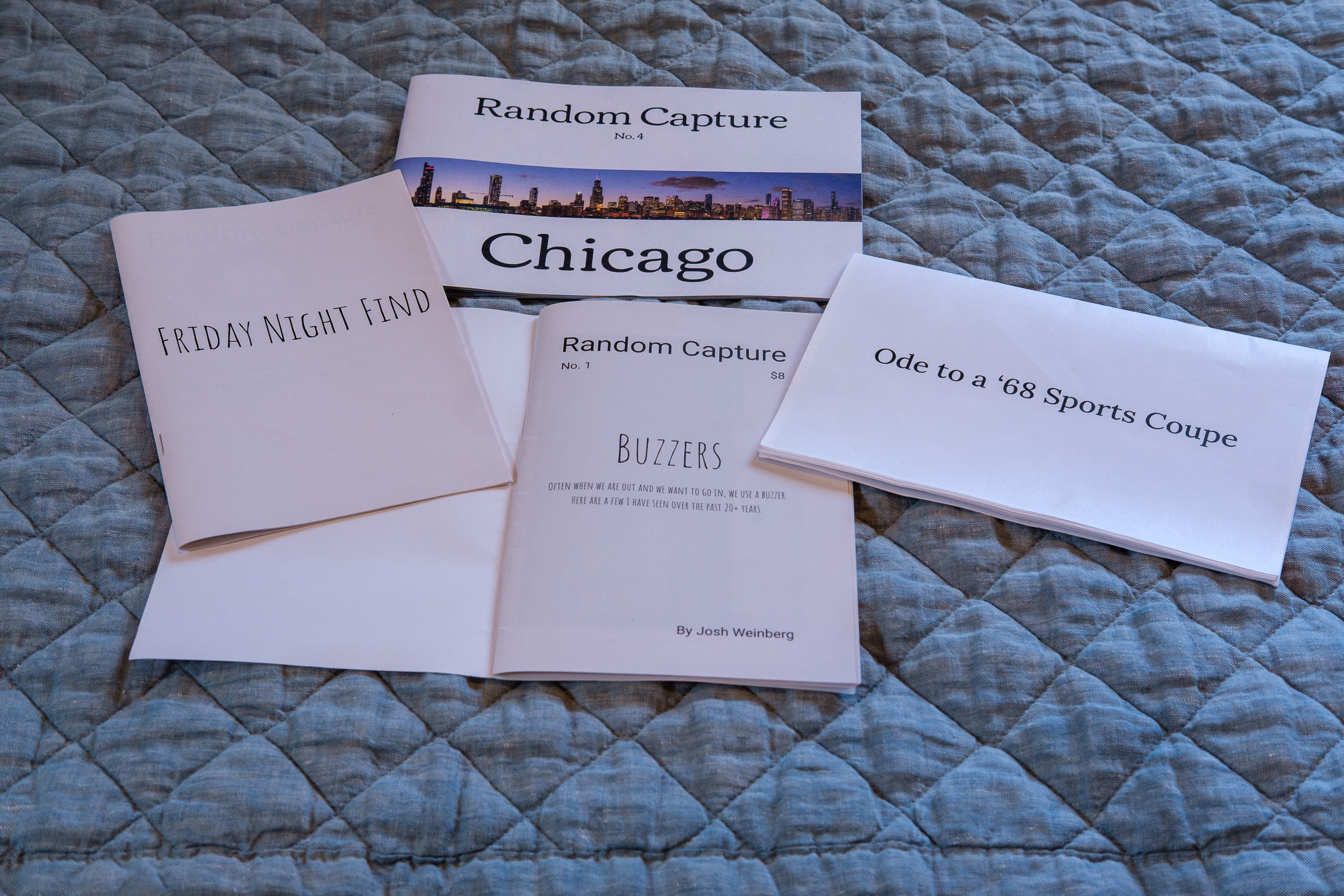
Over the past year, I began making zines myself: first pasting small prints into cheap notebooks, then creating hand-folded, laser-printed prototypes at home, and eventually publishing my professionally printed Chicago zine.
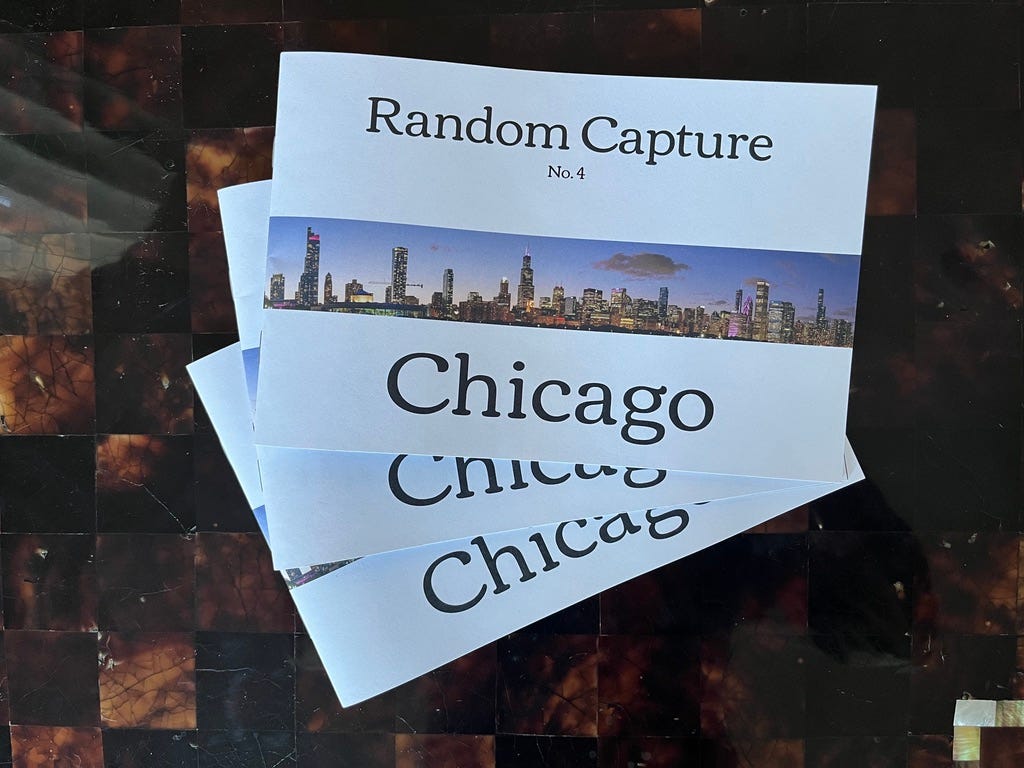
Selling out half of that run in the first week was especially meaningful. It was the first time I’d ever offered my photography for sale, and having people I’ve never met choose to buy it was a powerful milestone. Along the way, I learned a great deal about different ways to make a zine, tools that keep things simple, and a workflow that helps you push through the points where most people stall.
I also heard from a surprising number of readers who said that seeing my process renewed their interest in creating a zine of their own — and many had been thinking about it for quite a while:
“I have been looking at making a zine with Blurb. Seeing you do it makes me think it may happen.”
It became clear that a lot of people want to make a zine, but they get stuck in the same places I did: too many decisions, too many tools, not knowing which steps matter, chasing perfection, or simply lacking the accountability and structure that keeps a project moving.
One of the big realizations was that people don’t need complicated software or expensive materials. They need a simple, structured path and a group moving forward together.
Zine School grew directly out of that realization.
Program Format – Six Weeks to Done
Zine School is a six-week program built around:
Three one-hour live Zoom sessions
A small cohort (maximum of six participants)
Ongoing online chat/discussion between sessions
It’s a supportive group built around simple tools, hands-on work, and practical guidance. With a maximum of six people, everyone gets attention, encouragement, and momentum — and seeing each other’s progress helps everyone push forward.
The goal is simple: finish your first zine and get it out into the world.
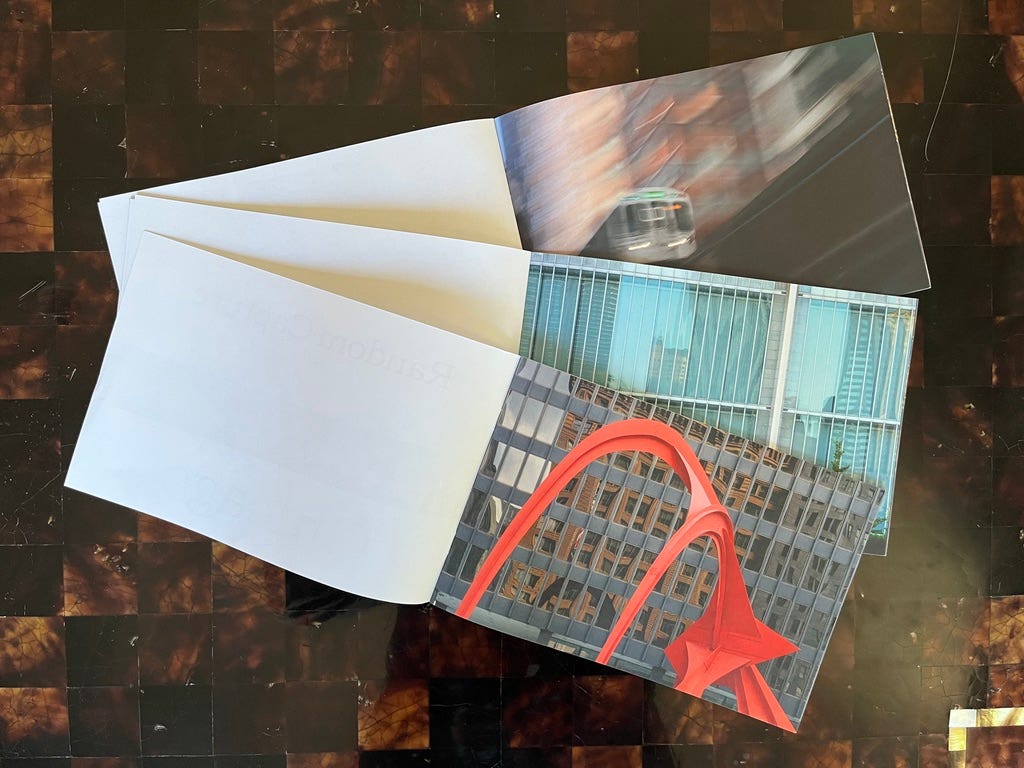
“This zine is a great example that a project doesn’t have to be huge or something you work on for a very long time. I love that you turned the trip to Chicago into a zine, Josh!”
No Fancy Tools Required
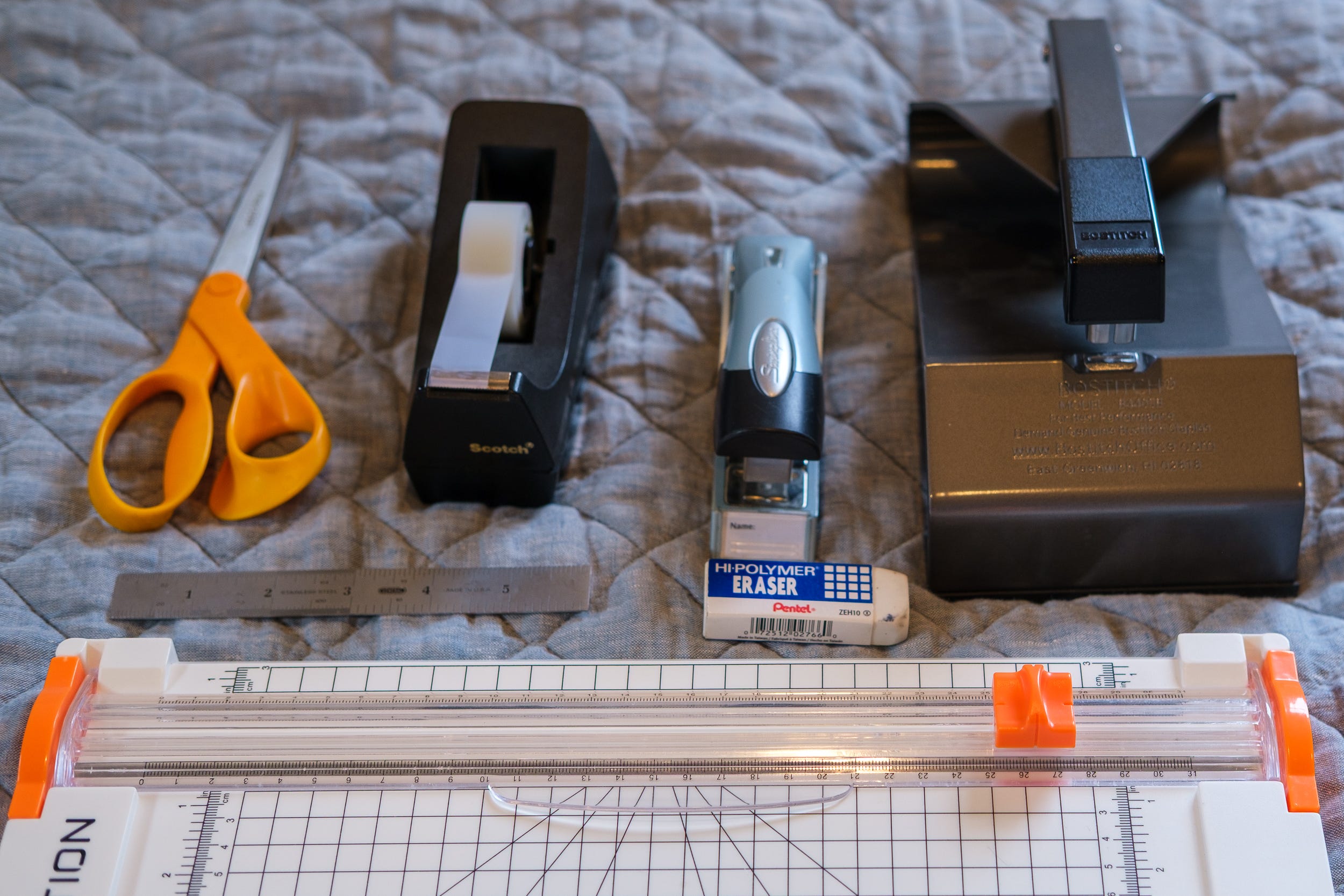
Zine School is built around straightforward, accessible tools. If you already use InDesign or Scribus, that’s fine — but the core workflow uses:
Apple Pages – the preferred tool: free on Macs and far more capable than most people expect
Google Docs – for Windows/Chromebook users or anyone who prefers it
We’ll embrace the simplicity of these programs, understand their limitations, and learn how to design around them so your zine looks intentional and well-crafted.
A home printer (laser or inkjet) is helpful for quick prototypes, but it’s not required. Black-and-white is fine. If you only have access to a printer at a library, workplace, or copy shop, that works too. Zine-making is about using what you already have and making the most of it.
Who It’s For & What We’ll Create
This program is designed primarily for photographers, but anyone who wants to create a zine is welcome. Zines are wide-ranging: Some are handmade with images pasted and spines stitched. Others are printed at home, at a local copy shop, or produced through an online print service.
In this cohort, we’ll focus on preparing a file to send to a printing service, but you’re free to choose a different approach based on your project.
By the end of the six weeks, you’ll have:
A finished, printed zine
A repeatable process you can use for your second, third, and tenth zine
What You’ll Learn
How to define the concept for your first zine
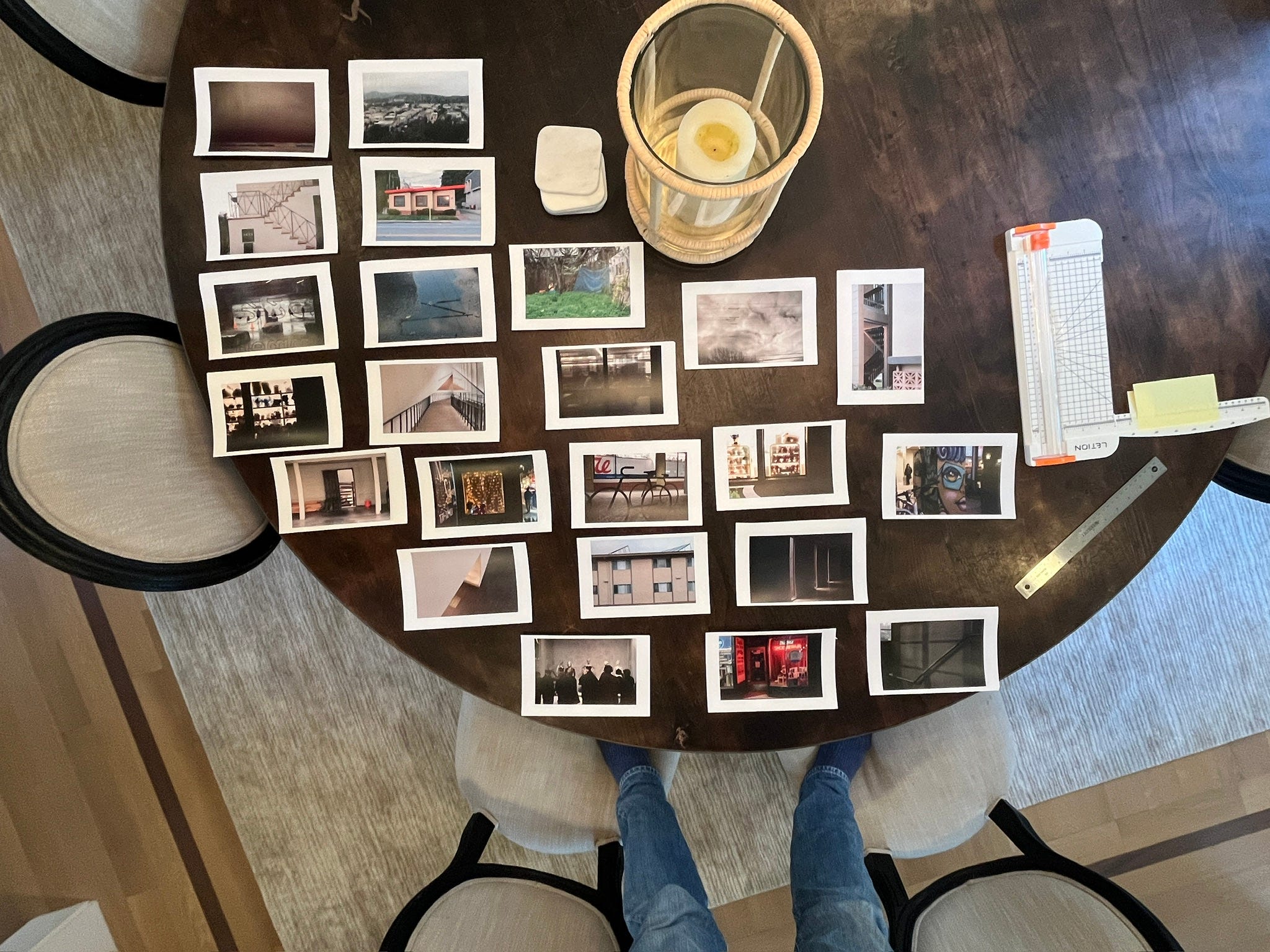
Editing, sequencing, and shaping your narrative
Choosing size, orientation, paper, and page count
Layout using simple, accessible software
Page flow, margins, borders, and aspect ratios
Creating prototypes at home
Preparing a print-ready PDF
Working with Mixam, Blurb, or DIY printing
When to order proofs and how to revise effectively
Pricing, selling, trading, and promotion
Strategies to overcome decision paralysis
How to keep the process joyful rather than overwhelming
Why I Created Zine School
I’m doing this because I’ve learned how powerful it is to give your work a physical form. Finishing a zine changes how you see your own photography, and seeing someone hold it and respond to it is even better. Making a zine doesn’t need to be complicated — it can be simple, clear, and genuinely enjoyable. I want others to experience the satisfaction of turning an idea into something real.
Lets Go
If you’ve been wanting to make a zine but never quite made it past the idea stage, this is the moment. Let’s make something real.
Intro Price
Zine School introductory rate: $49
Future cohorts: $149+
How to Join
If interested (or curious), send me a message at josh@weinbergphoto.com, and I can save you a spot if it’s right for you.
Next Cohort – Now Registering
Zoom meetings will generally take place on Sundays, late in the day. Final dates and times will be set in December.
Cohort 1 – January–February
Duration: 6 weeks
Format: Live Zoom sessions + online chat
Group size: Up to 6 participants
To reserve a spot, email josh@weinbergphoto.com. A registration link will be available here soon.